

Saturday Dawn Prayer
Begin the day with prayer in the sanctuary on Saturdays at 6 a.m.
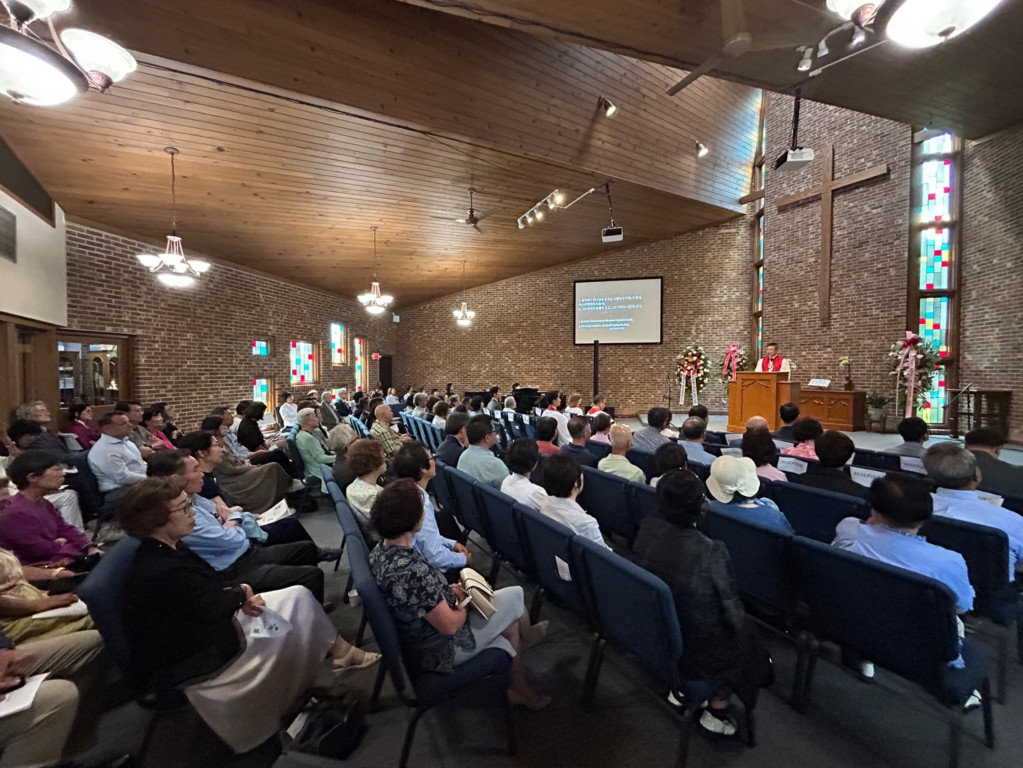
Welcome to Salem
A church in Schaumburg where families worship in Korean and English and grow in faith together.
Salem’s 40th anniversary worship service
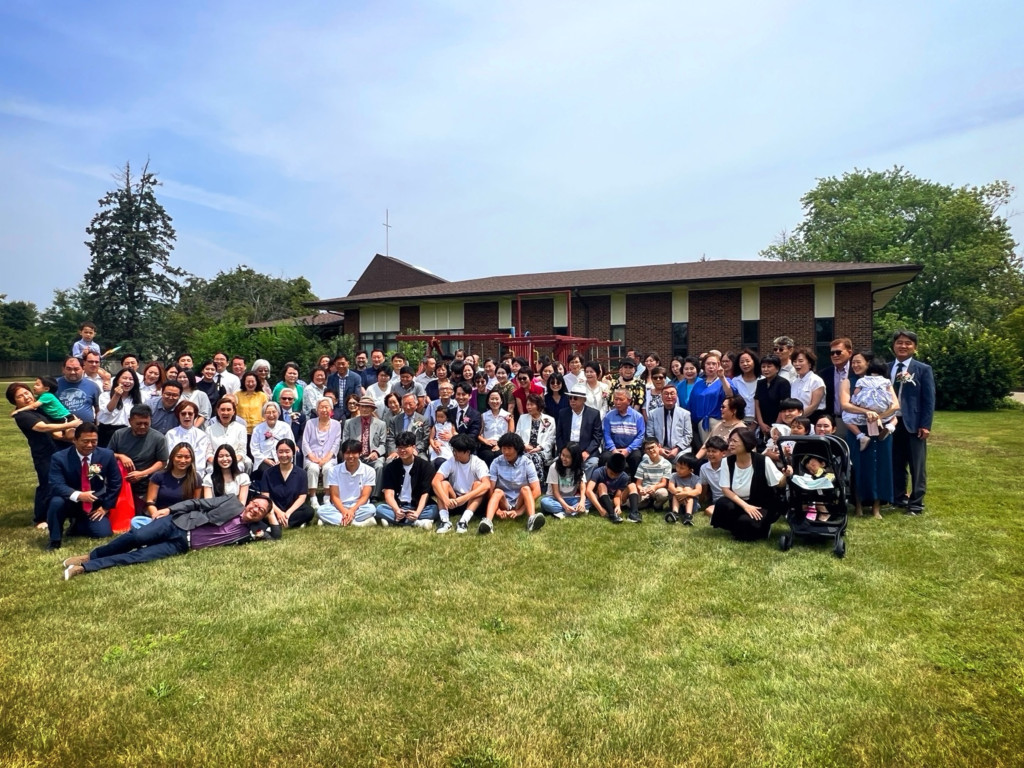
Salem is a Korean United Methodist church where people worship in Korean and English. Children grow in faith, and adults get to know one another through worship and fellowship.
Get to know Salem
Begin the day with prayer in the sanctuary on Saturdays at 6 a.m.
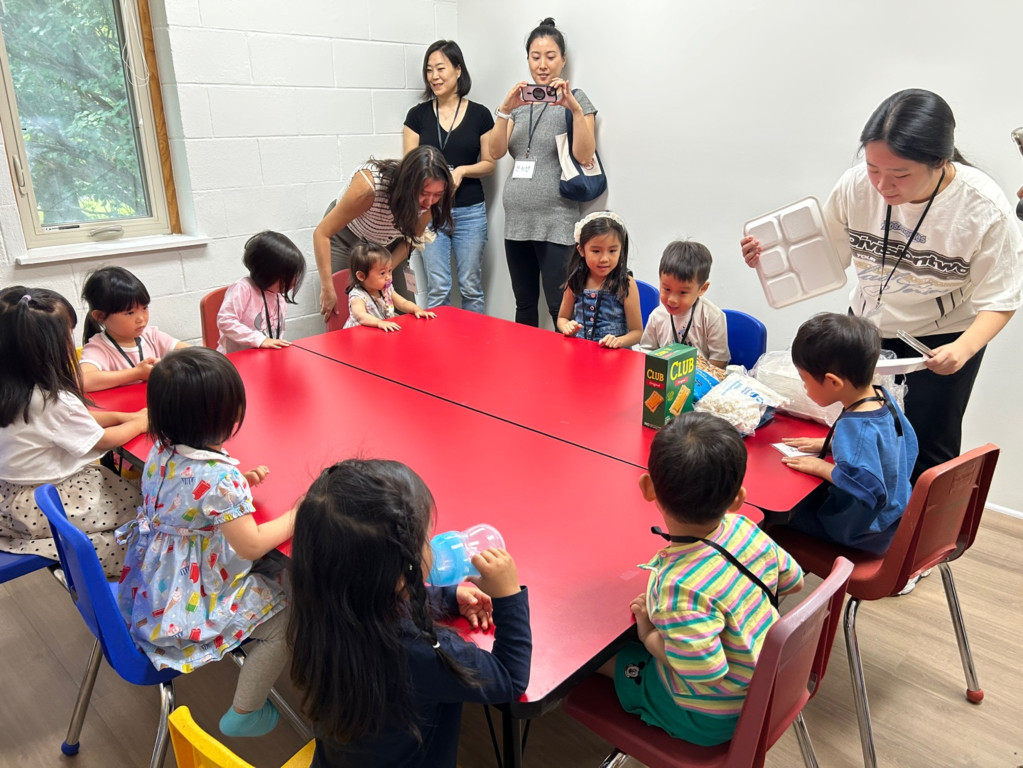
Children grow in faith through Sunday school and our Friday gathering for young children and parents.
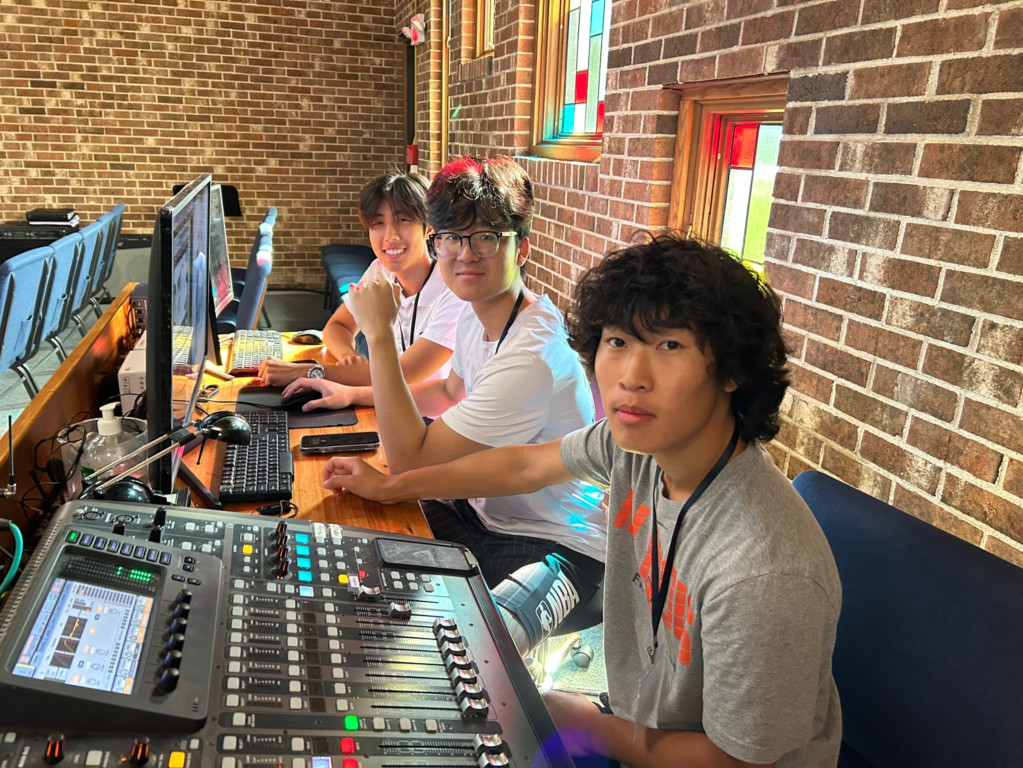
Youth and young adults build friendships and practice leadership through small groups, sports, and service.

Get to know other families over meals, sports, and cultural events.
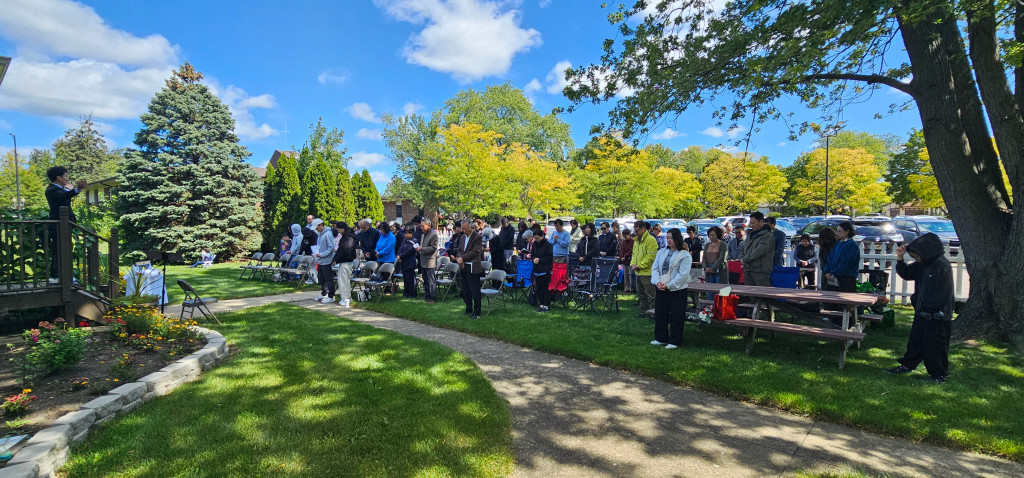
Photos from Salem’s outdoor worship gathering and the barbecue prepared by church volunteers.
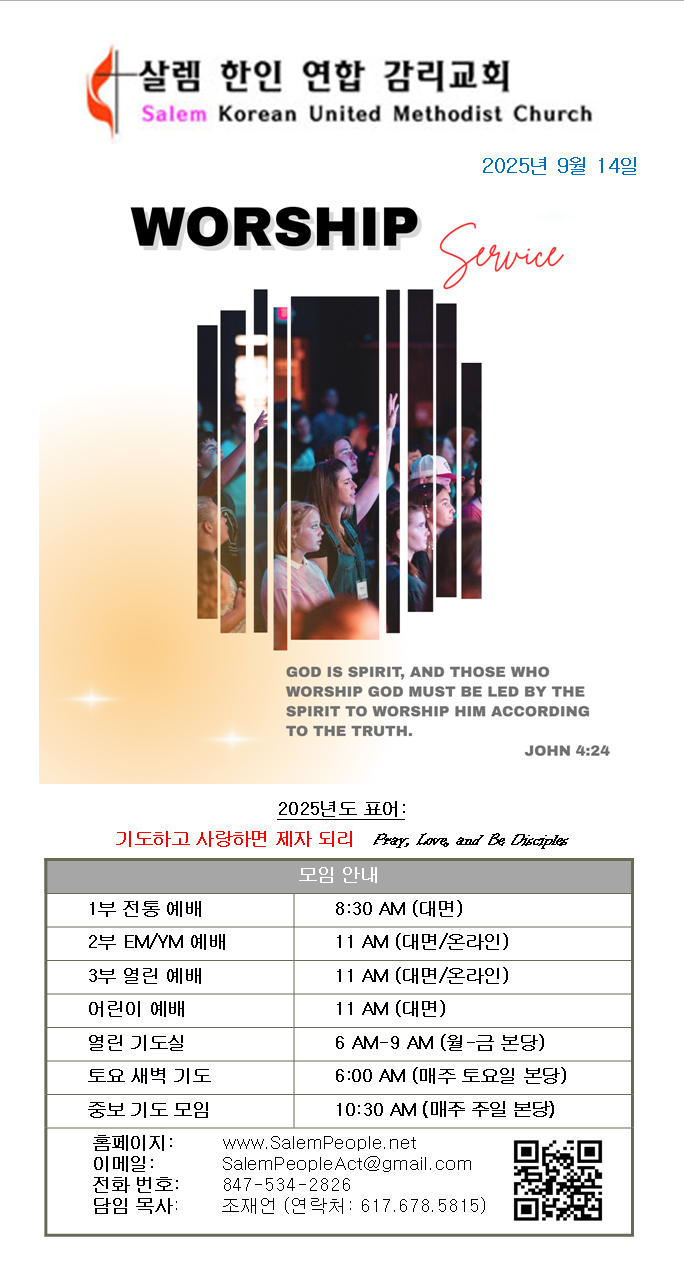 Sunday Bulletin for September 14, 2025
Read the worship orders, Scripture and church notices.
Pastor Jake Cho reflects on prayer, gratitude, and peace as the church building returns to full use.
App preview
We’re planning a mobile app for Sunday worship, weekday devotions, and staying in touch with your small group.
Start with the Sunday bulletin for Salem’s weekly announcements and order of worship. Follow the Scripture and sermon notes during the service, or open the livestream and replay from home.
Open the Worship Hub previewWatch recordings, read sermon notes, and browse the archive by series, date, or Scripture.
Read a short Scripture passage, reflection, and prayer from Monday through Saturday.
Read the pastor’s weekly bulletin note and find occasional midweek letters or video messages.
Send a private request that designated pastoral staff can review.
Read the announcements from the Sunday bulletin. Opt in to alerts for important changes between Sundays.
In your invite-only group, read notices, check meeting dates, RSVP, and reply to discussions.
Open the Salem app on your phone and follow the steps below.